Programming Practice for
GCSE and A-level Computer Science
A free 92 lesson Python course and 408 programming challenges, built for OCR, AQA and Edexcel.
Everything runs in your browser, so there is nothing to install and a school laptop is enough.
No login needed to start.
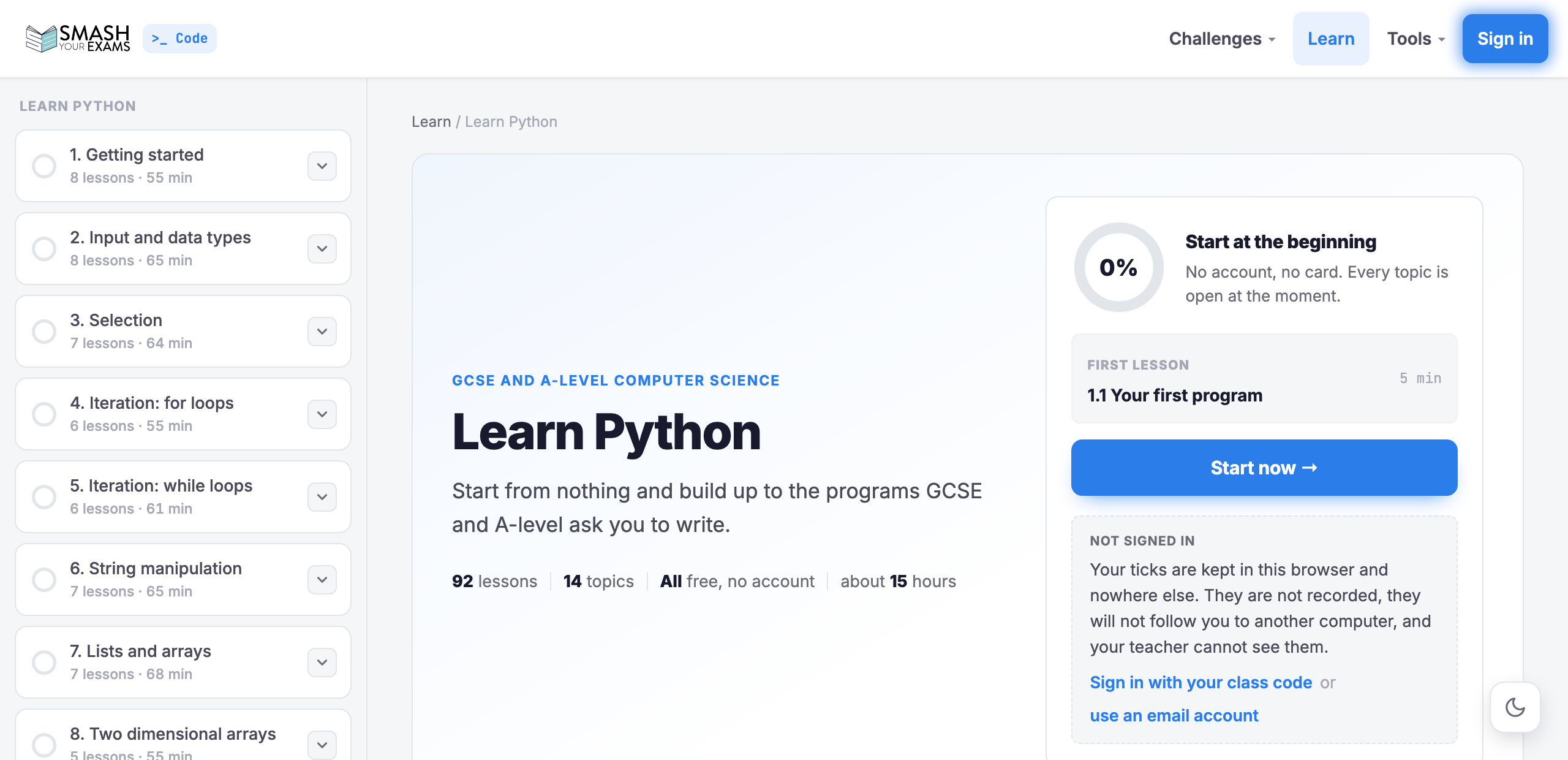
Learn Python 92
The whole course, free to read.
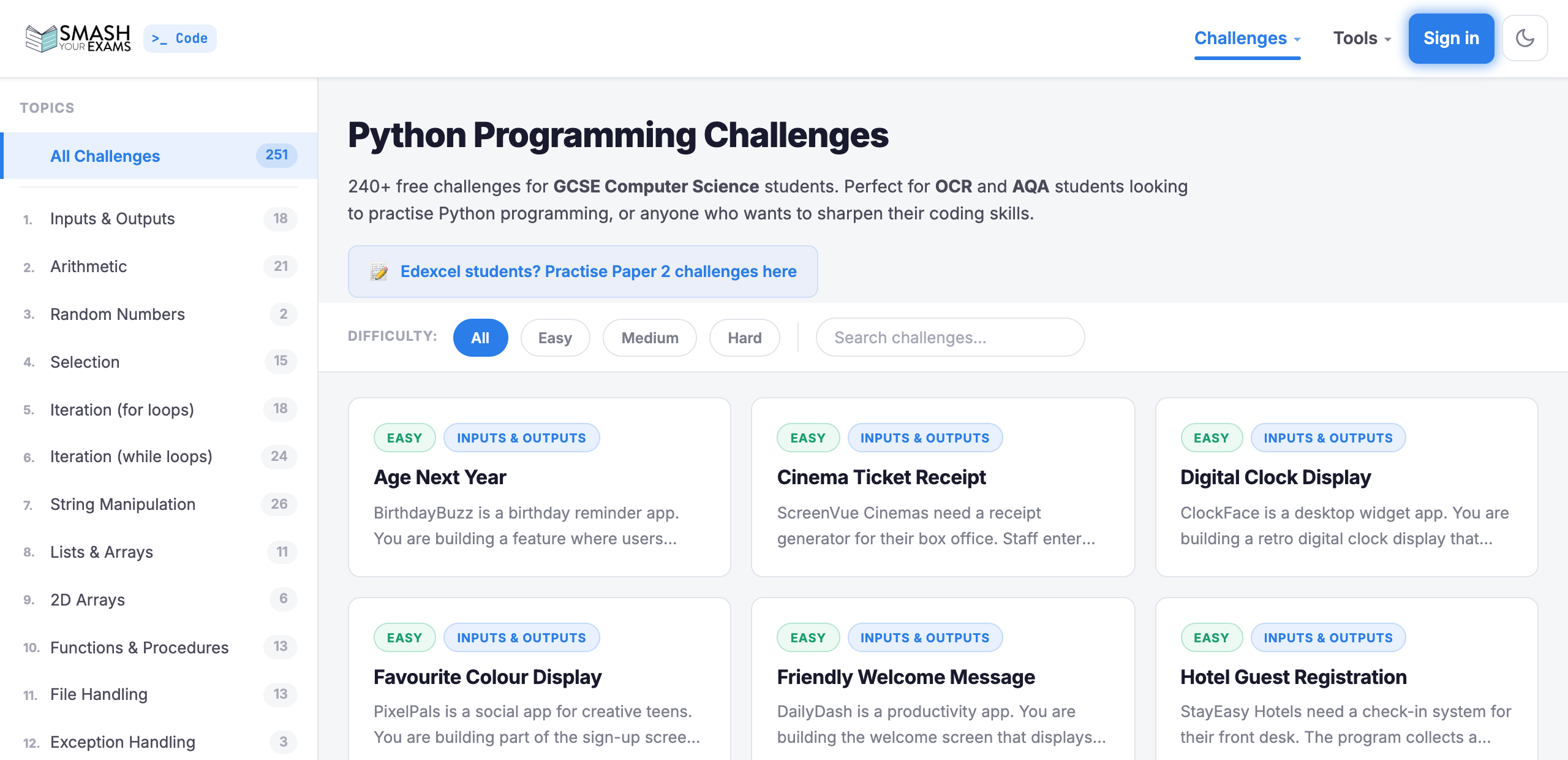
→Python 292
Inputs to algorithms, GCSE & A-level.
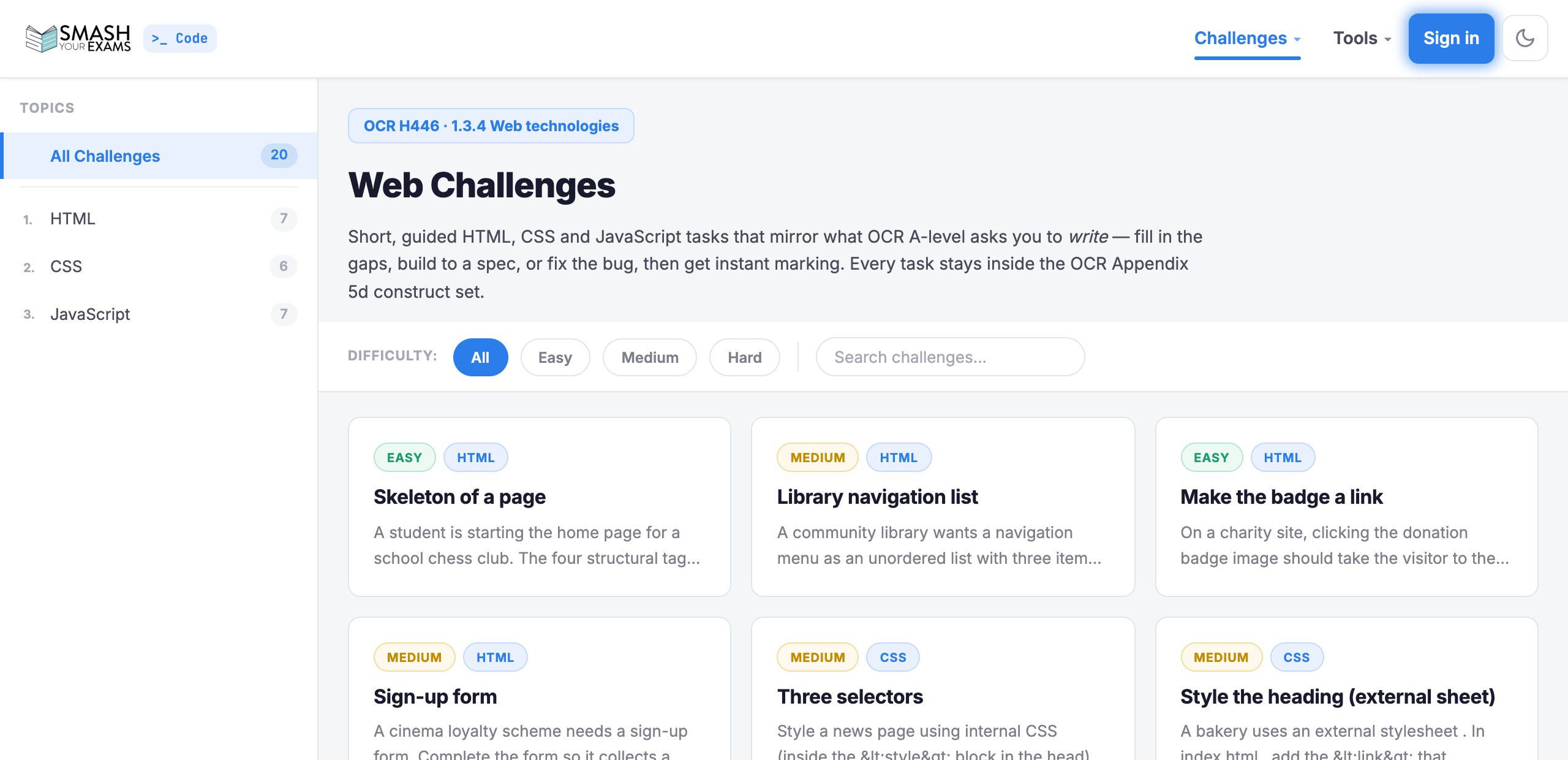
→Web 20
HTML, CSS & JavaScript, OCR H446.
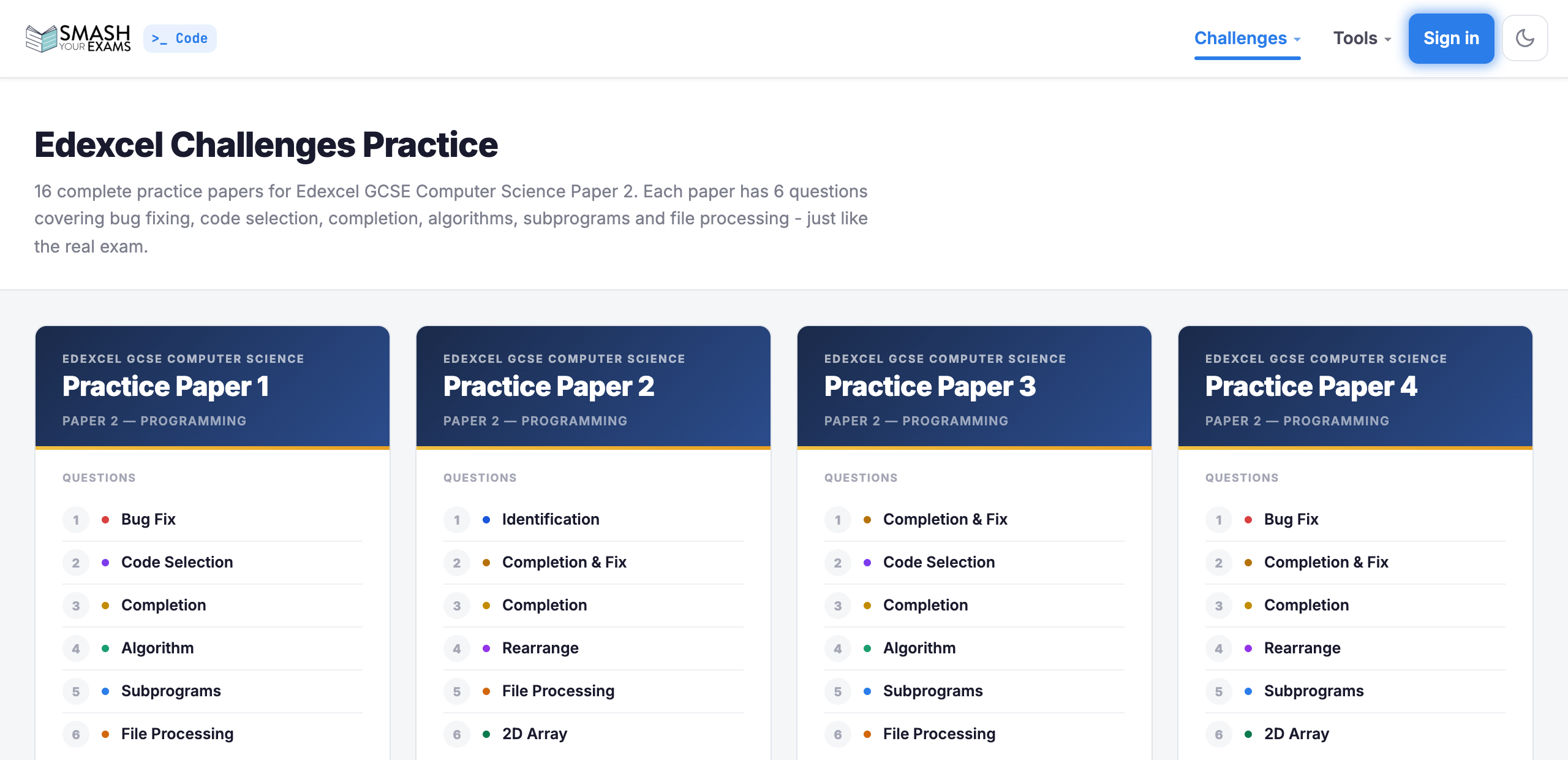
→Edexcel 96
Exam-paper style, code completion.
Built-in editor
Write and run code in the browser. Nothing to install or set up.
Instant AI feedback
Friendly, exam-aware marking that guides you to the answer, never spoils it.
Built for your spec
Challenges mapped to OCR, AQA and Edexcel, at GCSE and A-level.
Free to start
Jump in and start coding right away. No account needed to practise.
Questions people ask
Short answers, including the ones that are not flattering.
Is it actually free?
The 92 lesson Python course is free to read in full, and every one of the 408 challenges is free to attempt without an account. Schools pay for the teacher side: classes, assignments and a gradebook. Nothing a student needs in order to practise sits behind that.
Which exam boards does it cover?
OCR J277 and H446, AQA 8525, and Pearson Edexcel 1CP2. Each lesson names the boards it applies to, and says so when a topic is not on your specification rather than letting you spend an evening on something that cannot earn you a mark.
Do I need to install Python?
No. Python runs inside the browser, and the web challenges run as real HTML, CSS and JavaScript in a sandboxed frame. A locked-down school laptop is enough, and you can carry on at home on a phone.
Where do I start if I have never programmed?
Learn Python starts at a single line of code and builds up to searching, sorting and algorithm design across 14 topics. Each lesson explains one idea, shows a small example, warns about the mistake almost everyone makes, then asks you to type something that runs on the page.
Is my work marked by AI?
No. Marking compares what your program printed with what was expected, in our own code. A language model writes the paragraph of feedback alongside it, that part is optional, and a school can switch it off entirely. It can be wrong in both directions and the page says so.
Can I use it with a whole class?
Yes. A teacher can set a challenge as homework, watch a live gradebook and see where students are stuck. See plans for schools.
For teachers and schools
Set challenges as homework, watch a live class gradebook, and spot where students are stuck, all aligned to your exam board.